Z-TEXT: Blockchain Password Manager, No Server to Hack
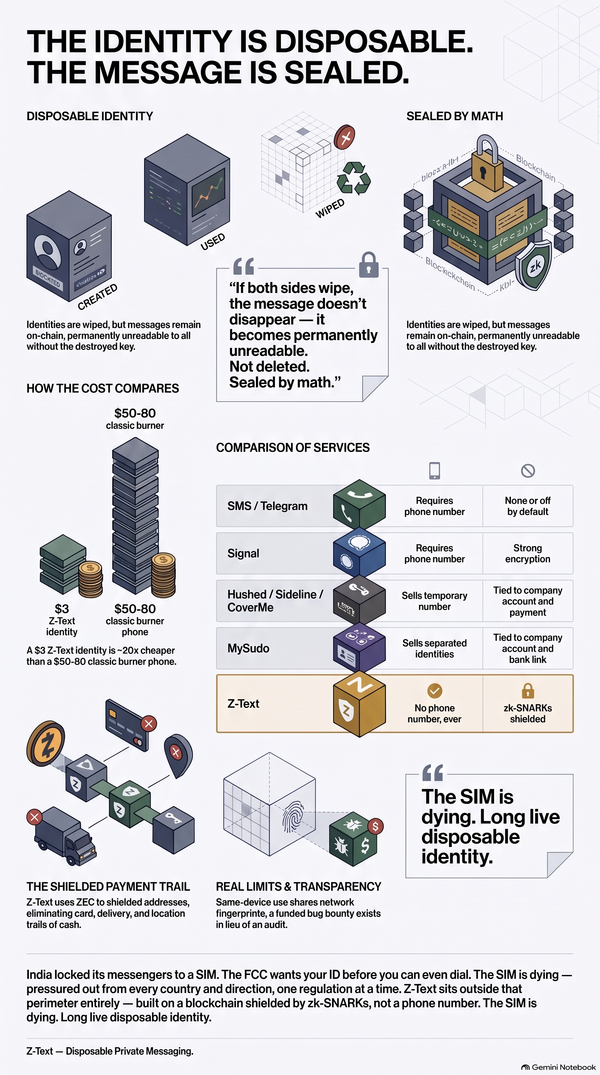
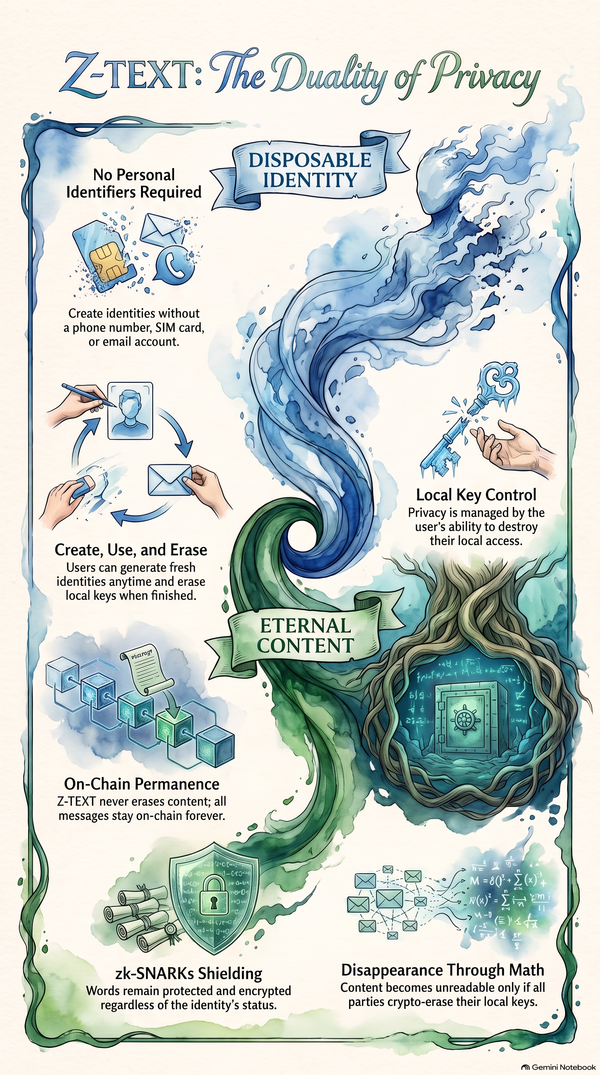
No cloud vault, no central server to breach. Z-TEXT encrypts your passwords twice — with your wallet seed and master password — then stores them directly on the BitcoinZ blockchain via zk-SNARKs.
Every password manager stores your vault somewhere. Z-TEXT stores it on a blockchain — with no company server in between.
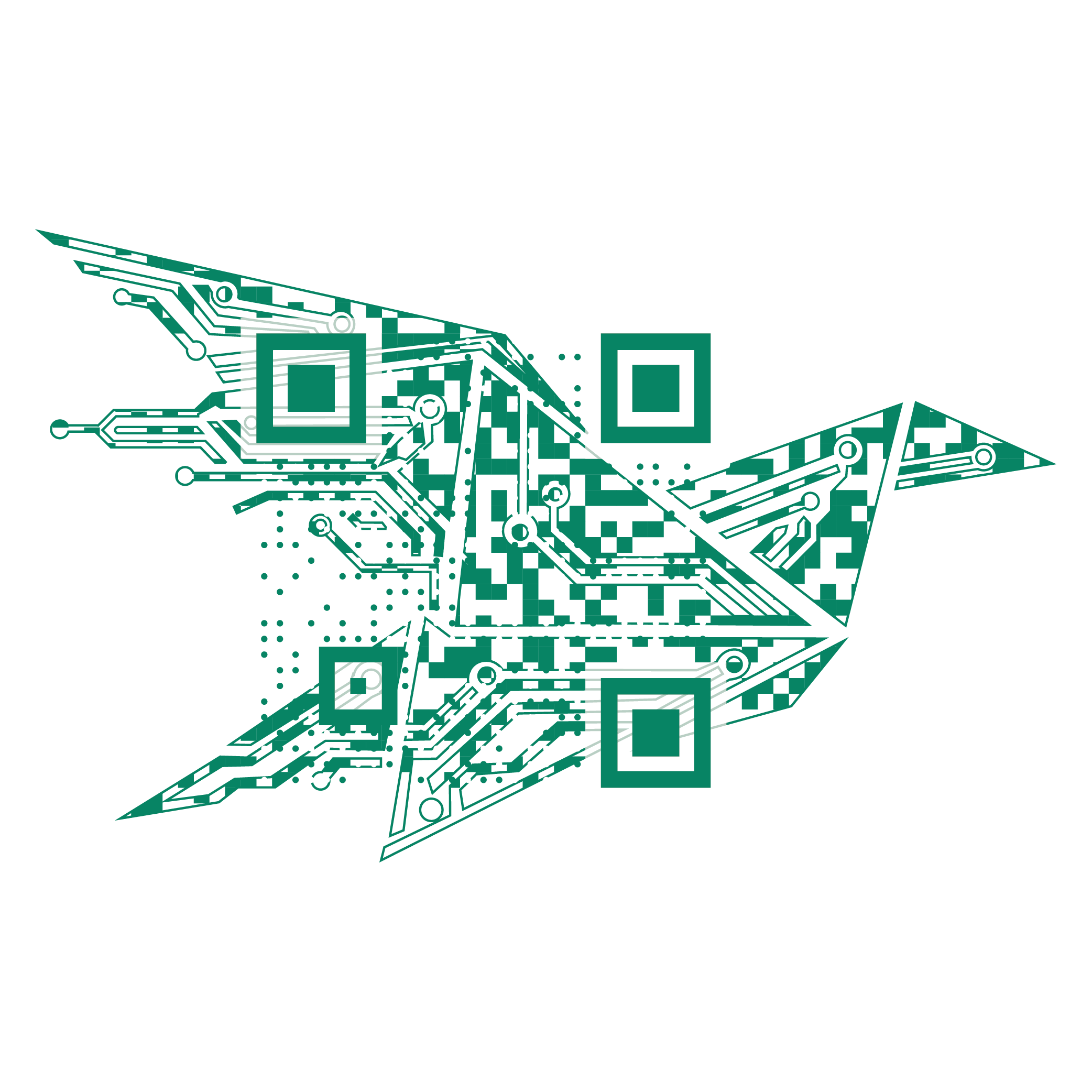
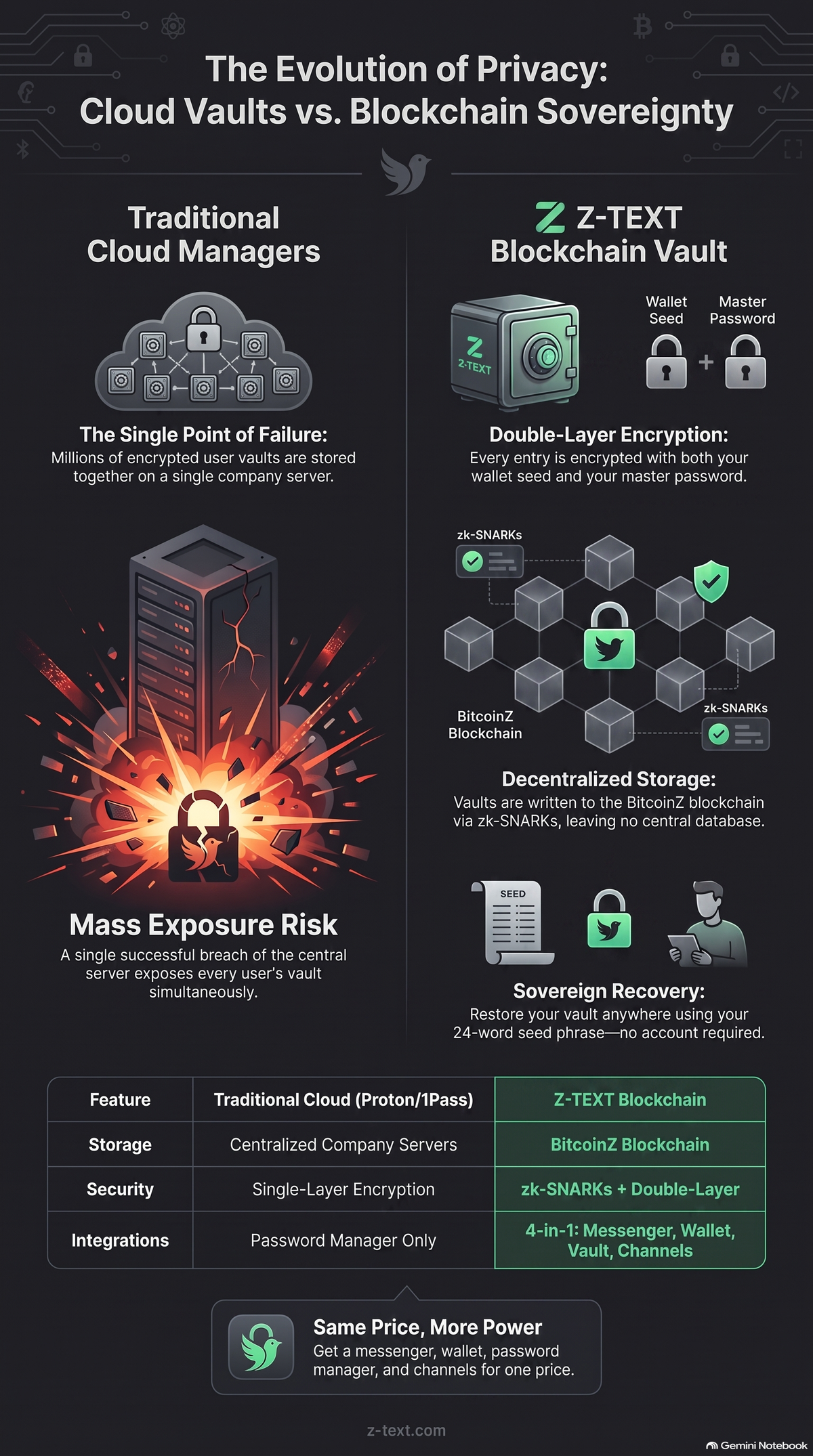
Z-TEXT's password manager runs on a fundamentally different architecture — zk-SNARKs encryption plus blockchain storage on BitcoinZ. Every entry is encrypted twice, with your wallet seed and your master password. No central server holds your data to be hacked. Same cost as competitors — but you also get a messenger, a BTCZ wallet, and broadcast channels on top.
❓ 1. Where does Z-TEXT actually store my passwords?
Directly on the BitcoinZ blockchain — not on a company's server.
Each vault entry is encrypted twice before it's ever written: once with a key derived from your wallet seed, once with your master password. Both layers have to be broken to read a single entry.
There's no database anywhere holding your passwords in one place, because the blockchain itself is the storage.
Mini-resume: Z-TEXT vault entries are double-encrypted — wallet seed plus master password — and written directly to the BitcoinZ blockchain, with no central database to attack.
❓ 2. How is this different from Proton Pass or Bitwarden?
Proton and Bitwarden are excellent — but both still store your encrypted vault on their own servers. One breach of that server exposes every user's vault at once, even if each one is individually encrypted.
Z-TEXT works differently at the core: zk-SNARKs shield your vault directly on the BitcoinZ blockchain. Even someone who finds the exact block sees only that a transaction happened — not what's inside it. The content itself stays completely hidden by zk-SNARKs technology.
Mini-resume: Cloud password managers concentrate every user's vault on one server — a single breach point. Z-TEXT has no server at all; zk-SNARKs keep transaction content hidden even from someone examining the blockchain directly.
❓ 3. What happens if I lose my phone — how do I get my passwords back?
Restore your wallet from your seed phrase on any device, and your encrypted vault comes back automatically — it's already sitting on the BitcoinZ blockchain, waiting. Enter your master password, and everything decrypts.
No cloud account to log into, no sync service, no export file to have saved somewhere. This is Z-TEXT's Eternal Memory at work — an elephant never forgets, and neither does the blockchain. Your seed phrase is the only key you'll ever need.
Mini-resume: Losing a device doesn't mean losing your vault — restoring your seed phrase on any device automatically recovers everything already stored on-chain.
❓ 4. Does Z-TEXT handle 2FA codes too?
Yes — built directly into the vault. Scan any service's 2FA setup QR code once, and Z-TEXT generates the TOTP codes for you from then on, alongside the password itself.
No separate authenticator app, no juggling two tools for one login.
Mini-resume: Z-TEXT's vault includes a built-in TOTP/2FA scanner, replacing the need for a separate authenticator app.
❓ 5. What's the trade-off? What don't I get compared to a normal password manager?
No browser extension, so no auto-fill in Chrome or Safari. Real inconvenience — but also no bridge between your browser and your vault, which is exactly what malicious extensions and autofill-phishing attacks exploit in other password managers.
You also need a BTCZ wallet running to use the vault.
Mini-resume: Z-TEXT trades browser auto-fill convenience for the removal of an entire attack surface — there's no browser-to-vault bridge for malicious extensions or phishing pages to exploit.
❓ 6. Do I need to already use Z-TEXT's messenger to use the vault?
The vault is part of the same 4-in-1 app — messenger, wallet, password manager, and channels, all under one seed phrase, one login. For the price of one tool, you get four.
If you're already on Z-TEXT, the vault is already there, ready to use — no separate account, no separate subscription.
Mini-resume: The password manager isn't a separate product — it's one of four tools bundled under a single Z-TEXT seed phrase and subscription.
❓ 7. How much does Z-TEXT's password manager cost, and is Z-TEXT a legitimate company?
Z-TEXT starts at $3/month, up to a one-time $128.52 Cyberpunk Lifetime license — covering all four tools together. Payment is crypto-only, keeping the whole process private, no card details tied to your identity.
Z-TEXT LLC is a registered Wyoming company, EIN 98-1940981, Dun & Bradstreet D-U-N-S 14-503-5054, and runs a public bug bounty paying real ZEC for verified vulnerabilities.
Mini-resume: Z-TEXT is a registered Wyoming LLC with a public bug bounty program, pricing from $3/month to a $128.52 lifetime license covering all four tools, paid entirely in crypto.
❓ 8. When and how do I get started with Z-TEXT?
Public launch is coming soon — follow z-text.com or the blog for the exact date. Getting started is two steps: download the app, and save your 24-word seed phrase somewhere safe.
That's it — no account to create, no email to verify, no company approving your signup. There's no central authority behind Z-TEXT holding your identity or your data. You are sovereign in your own kingdom.
Mini-resume: Getting started takes two steps — download and save your seed phrase — with no account creation or approval process required.
Final Verdict
Z-TEXT's password manager won't replace your browser's auto-fill habit overnight, and that's fine — it isn't trying to. What it replaces is the single point of failure behind every "we got breached" headline this year.
Is it as convenient as Bitwarden? Not yet. Is it as unbreachable? That's the whole point. For the same price as a standalone password manager, you get a 4-in-1 privacy engine, all under a single seed phrase you control completely.
Nobody's holding the keys to your kingdom but you.
Sources: BitcoinZ · Zero-knowledge proofs, Wikipedia
🔗 Full technical breakdown: Z-TEXT's Blockchain Password Manager